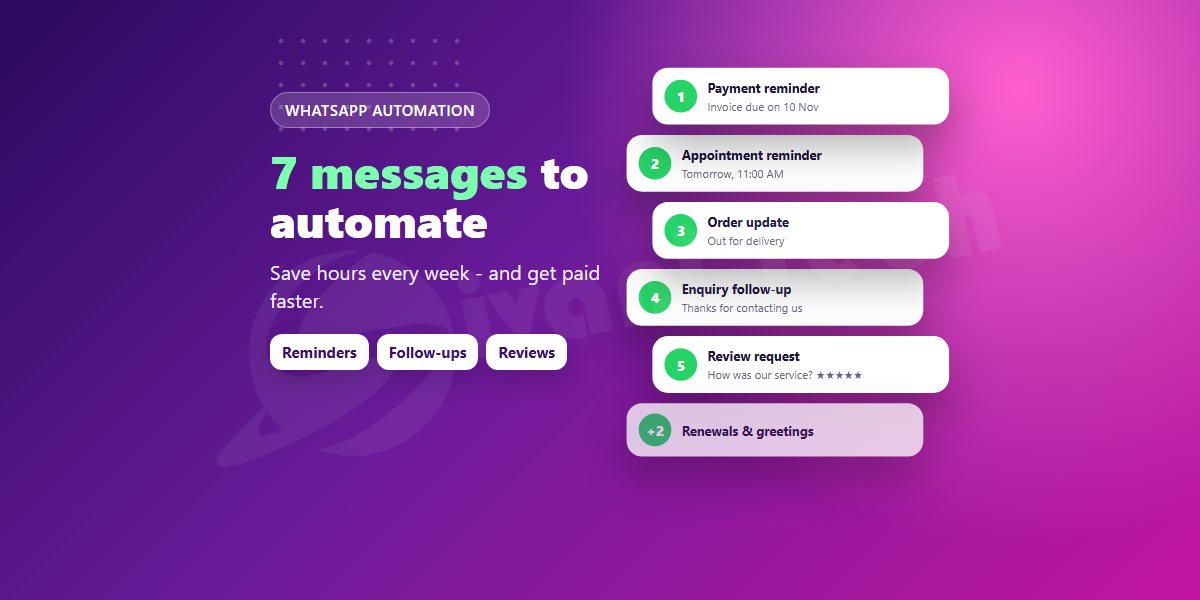
Automated WhatsApp messages are business messages that go out on their own – triggered by a due date, a booking, a new enquiry or an order update – instead of someone on your staff typing them one by one. In India, customers open WhatsApp within minutes, far faster than email or SMS. That makes WhatsApp automation one of the quickest ways for a small business to collect payments sooner, cut no-shows and reply to leads before a competitor does.
This guide covers the 7 messages most worth automating (with ready-to-use templates), how to automate WhatsApp messages for free with the WhatsApp Business app, when you need the official WhatsApp Business API, and how to stay safe from number bans.
What are automated WhatsApp messages?
There are two kinds of WhatsApp business automated messages:
- Auto-replies – sent when a customer messages you first: a greeting, an away message or an instant answer to a common question.
- Triggered notifications – sent by your software when something happens: an invoice falls due, an appointment is tomorrow, an order ships.
The free WhatsApp Business app can handle basic auto-replies. Triggered notifications from your own business data need the WhatsApp Business API.
7 WhatsApp messages every business should automate
1. Payment due reminders
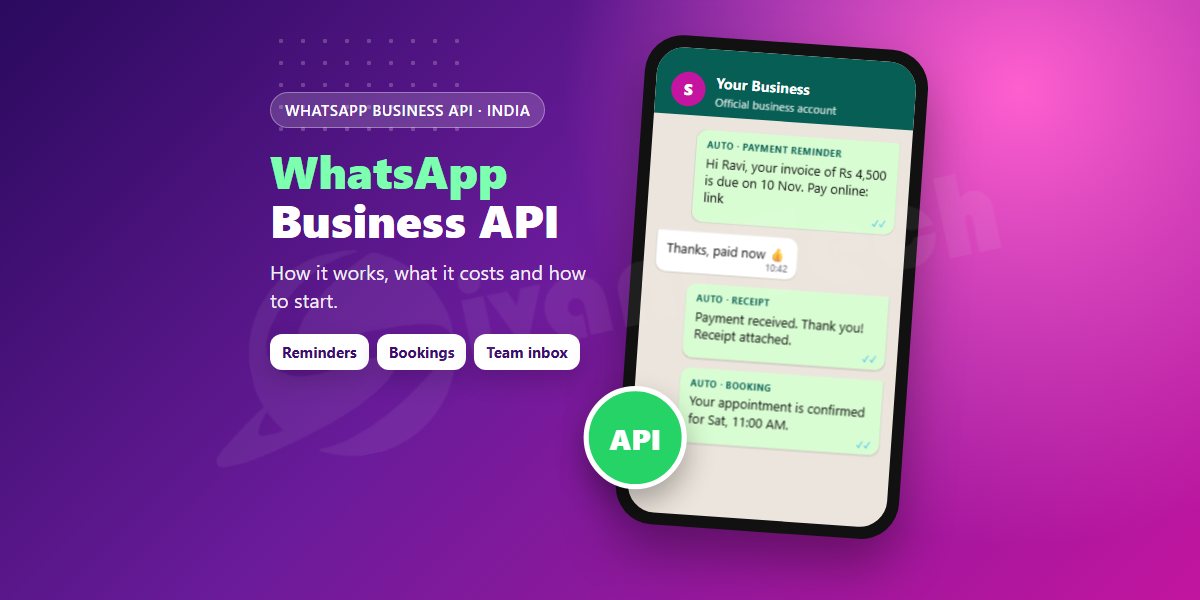
A polite reminder three days before the due date, on the due date and a few days after. This alone reduces pending payments for most businesses – without awkward phone calls. Banks, NBFCs, chit funds and finance companies use the same pattern for EMI and loan reminders.
Hi {{name}}, a gentle reminder that invoice {{invoice_no}} for ₹{{amount}} is due on {{due_date}}. Pay here: {{payment_link}}. Already paid? Please ignore this message. – {{business}}
2. Appointment and booking reminders
Clinics, salons, coaching centres and service companies lose money on no-shows. A reminder the day before and two hours before keeps the schedule full, and a “reply 1 or 2” option lets the customer confirm or reschedule right away.
Hi {{name}}, your appointment with {{staff_name}} is tomorrow, {{date}} at {{time}}. Reply 1 to confirm or 2 to reschedule. – {{business}}
3. Instant reply to new enquiries
When someone fills your website form or sends a first message, they get an immediate reply and your sales team gets an alert. A lead that hears back in one minute is far more likely to buy than one who waits until evening.
Thanks for contacting {{business}}, {{name}}! We have received your enquiry about {{service}}. Our team will call you within {{hours}} hours. Need something urgently? Just reply here.
4. Lead follow-up sequence
Most enquiries do not buy on day one. A short series of two or three helpful follow-ups over a week – a price sheet, a project example, a quick check-in – sent only to people who contacted you, brings many of them back.
Hi {{name}}, following up on your enquiry about {{service}}. Here is a short brochure with prices: {{link}}. Would a quick call this week help?
5. Invoices and receipts
Send the PDF invoice or payment receipt automatically the moment it is created in your billing software. Customers keep it on their phone, and your accounts team stops forwarding files by hand.
Hi {{name}}, thank you for your payment of ₹{{amount}}. Your receipt {{receipt_no}} is attached. – {{business}}
6. Renewal and membership reminders
Gyms, AMC services, software subscriptions, insurance and memberships – remind customers 15 days and 3 days before expiry so they renew on time instead of quietly leaving.
Hi {{name}}, your {{plan}} expires on {{expiry_date}}. Renew now to continue without interruption: {{renew_link}}
7. Order and service status updates
“Your order is dispatched”, “Our technician will visit at 11 am” – automatic status updates mean fewer “where is my order?” calls for your team.
Hi {{name}}, your order {{order_no}} has been dispatched and should reach you by {{date}}. Track it here: {{tracking_link}}
The parts in {{curly brackets}} are filled in automatically from your data – the customer's name, amount, date and so on – so every message feels personal.
How to automate WhatsApp messages: 2 ways
Option 1: WhatsApp Business app (free, basic)
The free WhatsApp Business app has three built-in automation tools under Business tools:
- Greeting message – sent automatically when a new customer messages you for the first time.
- Away message – sent outside your business hours.
- Quick replies – saved answers you send with a shortcut such as /price.
This is a good start for a small shop. But the app cannot send payment reminders, booking reminders or invoices from your software, and it works on only one or a few phones.
Option 2: WhatsApp Business API (full automation)
For messages triggered by your own data, you need the official WhatsApp Business API. The setup usually looks like this:
- Verify your business with Meta and register a dedicated phone number.
- Create message templates (like the ones above) and get them approved by WhatsApp.
- Connect the API to your billing software, CRM, booking system or website.
- Set the rules – which message goes, when, and to whom.
- Test with your own team, then switch it on for customers.
Meta charges a small fee per template message depending on its category – utility messages such as reminders and receipts cost much less than marketing messages – and replies inside the 24-hour window after a customer writes to you are generally free. Check Meta's current rate card for India before you plan your volumes.
WhatsApp Business app vs API
| Feature | Business app | Business API |
|---|---|---|
| Cost | Free | Small per-message fee |
| Greeting and away messages | Yes | Yes |
| Reminders from your own data | No | Yes |
| Connects to billing software / CRM | No | Yes |
| Many staff on one number | Limited | Yes |
| Best for | Very small shops | Growing businesses with regular customers |
Do it the safe way
Bulk-sending from a normal WhatsApp number with unofficial tools or browser extensions is the fastest way to get the number banned. The official API uses approved templates and is built for business notifications. Follow a few simple rules:
- Message only customers who gave you their number and expect to hear from you
- Keep templates clear and useful – reminders, receipts, updates – not spam
- Let customers reply, and stop messaging anyone who opts out
- Do not send the same promotional blast to everyone every day
Tamil or English?
Both. Templates can be in Tamil, English or both, and include the customer's name, amount, date and other details automatically. For local customers in Tamil Nadu, a Tamil reminder often gets a faster response.
Where the data comes from
Automation is triggered by the data you already have – due dates in billing software, bookings in your appointment system, or new enquiries from your website. If you do not have a system yet, a simple one can be built along with the automation.
Frequently asked questions
Can I automate WhatsApp messages for free?
Partly. The free WhatsApp Business app gives you a greeting message, an away message and quick replies. Automatic reminders, invoices and updates from your own data need the WhatsApp Business API, which has a small per-message cost.
Will my WhatsApp number get banned for automated messages?
Not if you use the official WhatsApp Business API with approved templates and message only customers who expect to hear from you. Bans usually happen with unofficial bulk-sending tools.
Can I schedule WhatsApp messages?
The normal app has no built-in scheduler. With the API, messages go out automatically at the time your rules set – for example, 9 am, three days before a due date.
Can automated WhatsApp messages be sent in Tamil?
Yes. WhatsApp supports Tamil templates, and the same message can be prepared in both Tamil and English.
How long does it take to set up WhatsApp automation?
Business verification and template approval usually take a few days. Connecting the API to existing software typically takes one to two weeks, depending on the system.
Do I need new software to use WhatsApp automation?
No. If you already use billing software, a CRM or a booking system, automation can be connected to it. If you do not have one, a simple system can be built along with it.
Sivani Tech sets up WhatsApp automation for businesses in Coimbatore and across Tamil Nadu – templates, API setup and integration with your existing software. Call / WhatsApp +91 78110 44144 to discuss which messages would save you the most time.
Want this for your business?
Talk to Sivani Tech - free consultation, clear quote, local Coimbatore team.