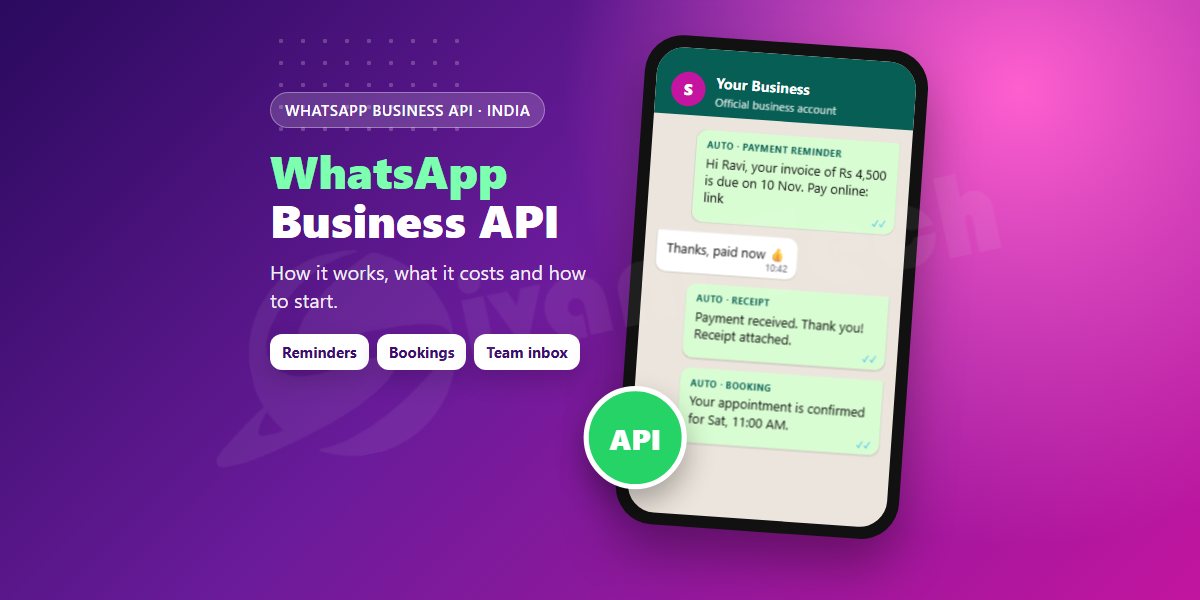
Most businesses in Coimbatore already use the free WhatsApp Business app on a phone. It works well - until you have more customers than one person can reply to, or you want messages to go out automatically from your billing software or website. That is the job of the WhatsApp Business API (Meta now calls it the WhatsApp Business Platform). This guide explains, in plain words, what it is, how Meta charges for it in India and how to get started.
WhatsApp Business app vs WhatsApp Business API
- Business app - free, runs on one phone (plus linked devices), messages are typed by hand. Good for small shops and freelancers.
- Business API - no app of its own; it connects WhatsApp to software. Messages can be sent automatically (payment reminders, booking confirmations, order updates), several staff can reply from one shared inbox, and chats can be connected to your CRM, billing software or an AI chatbot.
- Green tick - the API does not give a verified badge automatically. Meta decides that separately; most businesses do well without it.
What can you do with the API?
- Send fee, EMI or invoice reminders straight from your billing software
- Confirm appointments and send a reminder the day before
- Reply to website enquiries instantly, day or night
- Share order, delivery and service-status updates
- Send offers and announcements - only to customers who agreed to receive them
If you want ideas for which messages to automate first, read 7 WhatsApp messages that save hours every week.
How Meta charges in India
Since July 2025, Meta charges per delivered template message. A template is a pre-approved message format, for example "Hi {name}, your invoice of Rs {amount} is due on {date}." The price depends on the category:
- Marketing (offers, announcements) - the highest rate, still less than one rupee per message in India.
- Utility (reminders, confirmations, order updates) - a much lower rate, and free when sent inside an open 24-hour chat with that customer.
- Authentication (OTPs) - a low rate, similar to utility.
- Replies to customers who message you first - free or very low cost within the 24-hour window.
On top of Meta's charge you pay 18% GST and, if you use a WhatsApp partner platform, that platform's monthly fee. Meta revises its rates from time to time, so always check the current rate card before you plan a large campaign.
What you need to get started
- A Meta (Facebook) Business portfolio in your business name.
- A phone number for WhatsApp. It can be a new number, or your existing WhatsApp Business number can be moved or connected.
- A display name that matches your business - Meta reviews it.
- Business verification (GST or registration documents) - needed to message larger numbers of customers.
- Approved templates for every message you start, in English, Tamil or both.
- Customer opt-in - a tick box on your website form or bill, or a customer saying "yes" on WhatsApp.
Do it the safe way
Unofficial "bulk WhatsApp" tools that use a normal phone number are cheap, but numbers that send to many people at once often get blocked - and you lose every chat on that number. The official API, used with opted-in customers and useful messages, keeps your number safe and your messages delivered. New numbers start with a daily limit on how many customers they can message first, and the limit rises as customers engage and do not block you.
How we set it up
We connect the API to the systems you already use - billing, bookings, your website forms - write and submit the templates in Tamil and English, and give your team a simple shared inbox. If you do not have a system yet, we can build a small one along with the automation.
Sivani Tech sets up WhatsApp automation for businesses in Coimbatore and across Tamil Nadu. Call / WhatsApp +91 78110 44144 to find out which messages will save you the most time.
Want this for your business?
Talk to Sivani Tech - free consultation, clear quote, local Coimbatore team.