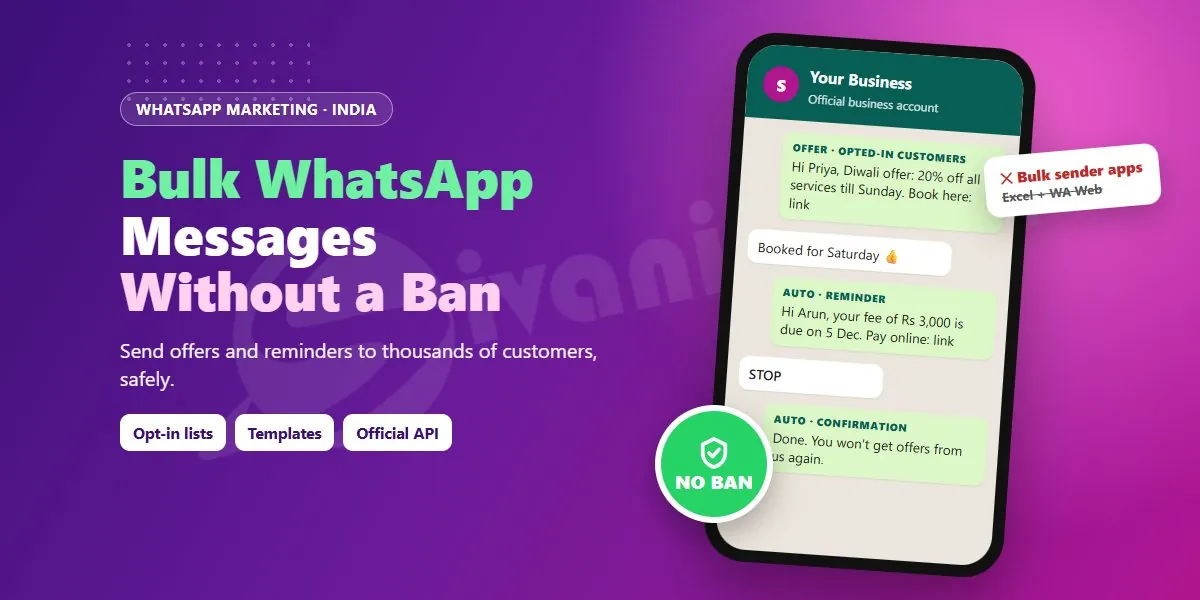
"Sir, I sent an offer message to 800 customers and now my WhatsApp number is banned." We hear this every month from shops, clinics, institutes and service companies. Bulk WhatsApp messaging works brilliantly for business, but only if you do it the way WhatsApp allows. Do it the wrong way and you can lose the number your customers have known for years.
This guide explains the three ways businesses in India send bulk WhatsApp messages, which of them get numbers banned, and how to send offers, reminders and updates to hundreds or thousands of customers safely.
3 ways to send bulk WhatsApp messages (and how risky each one is)
| Method | How it works | Ban risk | Good for |
|---|---|---|---|
| Broadcast list in the WhatsApp Business app | Free. You pick up to 256 contacts per list and send one message. It reaches only people who have saved your number. | Low, if customers know you | Small shops with a few hundred loyal customers |
| "Bulk sender" software / Chrome extensions | Tools that control WhatsApp Web and send messages one by one to an Excel list. | Very high | Nothing. This is what gets most numbers banned. |
| WhatsApp Business API (official) | Meta's official platform. You send pre-approved message templates to customers who agreed to hear from you, from software or a CRM. | Low, when you follow the rules | Reminders, order updates, offers to thousands of customers, automation |
The middle option is the trap. Those tools are cheap and look easy, but they break WhatsApp's terms. WhatsApp's systems spot the pattern (many messages, same text, unknown numbers, no replies) and block the number, often without warning.
Why WhatsApp bans business numbers
- Messaging people who never gave you their number or never agreed to receive messages from you.
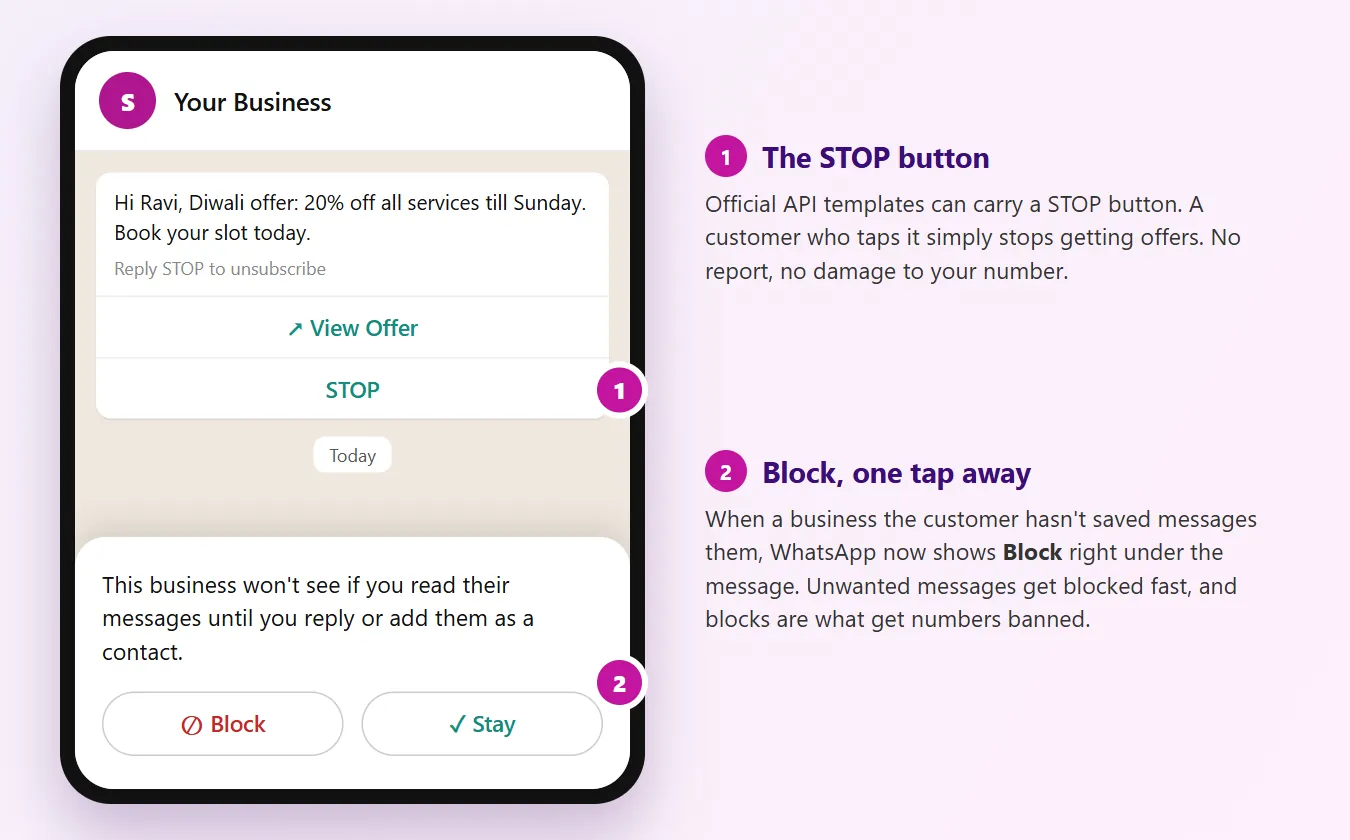
- Many people blocking or reporting you after a message. This is the biggest signal WhatsApp uses.
- Sending the same message to many unsaved numbers in a short time.
- Using unofficial apps such as modified WhatsApp versions or WhatsApp Web automation tools.
- Bought or scraped number lists. These people don't know you, so they report you.
Notice the pattern: bans are mostly about who you message and how they react, not only about how many messages you send.
How to send bulk WhatsApp messages safely: 8 rules
- Message only people who agreed. Collect permission at billing, on your website form, or with a "Message us on WhatsApp for offers" QR code at your counter. Keep a note of who opted in.
- Ask customers to save your number. Broadcast messages reach only people who saved it, and saved contacts rarely report you.
- Use the WhatsApp Business app for small lists, and the official Business API once you cross a few hundred customers or need automation.
- Never use bulk sender tools or modified WhatsApp apps. The money saved is nothing compared with losing your business number.
- Send useful messages, not only offers. Payment reminders, appointment confirmations, order and delivery updates and renewal alerts are welcome. Daily promotions are not.
- Personalise. "Hi Priya, your appointment is tomorrow at 11 AM" gets replies. A forwarded poster to 1,000 people gets blocks.
- Give an easy way to stop. Add a line like "Reply STOP to unsubscribe" to promotional messages, and honour it. One unsubscribe is far better than one report.
- Watch your quality rating on the API (green, yellow, red). If it drops, slow down and look at which message caused it.
The official route: WhatsApp Business API, simply explained
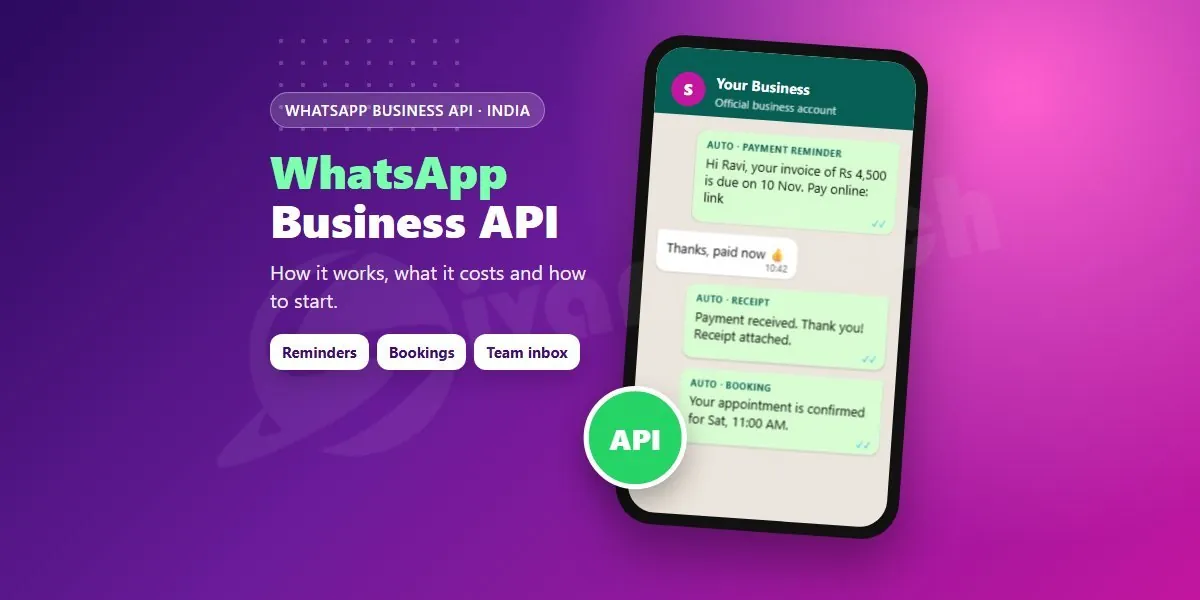
The API is how banks, airlines and large shops send you WhatsApp messages without getting banned. Small businesses can use it too, through an approved provider or a custom system.
- Template messages: messages you start (reminders, offers, updates) use templates that Meta approves first. You can fill in names, dates and amounts for each customer.
- Pay per message: Meta charges per delivered template message. Marketing messages cost more than utility messages like reminders and order updates. Replies to customers who message you first are free within the 24-hour window. See our WhatsApp Business API cost and setup guide for details.
- Messaging limits that grow: a new number starts with a daily limit on how many customers it can message first. The limit rises automatically as you send good-quality messages.
- Green tick and display name: customers see your business name, not just a number, which builds trust.
- Automation: because it works from software, messages go out automatically: a payment reminder 3 days before the due date, a thank-you after billing, a follow-up after an enquiry.
Bulk messages that work well for local businesses
| Business | Message customers are happy to get |
|---|---|
| Clinic / hospital | Appointment reminder the day before, follow-up visit reminder, report ready alert |
| School / training institute | Fee due reminder, class schedule changes, exam results, new batch announcements |
| Shop / showroom | Bill on WhatsApp, festival offers for opted-in customers, back-in-stock alert |
| Service company | Service due reminder, technician on the way, AMC renewal |
| Finance / chit / EMI | Payment due and received confirmations |
For ready-to-use wording, see 7 automated WhatsApp message templates.
What to do if your WhatsApp number is already banned
- Open WhatsApp and use the Request a review option it shows, or write to WhatsApp support from the app. Explain briefly that it is a business number and that you will follow the rules.
- Stop every bulk tool immediately and uninstall any modified WhatsApp app.
- While you wait, inform customers through SMS, Google Business Profile and your website.
- When the number is back (or you start a new one), rebuild your list with opted-in customers only and move regular messaging to the official API.
How Sivani Tech can help
We set up WhatsApp automation for businesses in Coimbatore and across Tamil Nadu: official WhatsApp Business API, approved message templates in Tamil and English, automatic payment and appointment reminders, and connection with your billing software, website forms or CRM.
- WhatsApp automation for business
- Billing software with WhatsApp invoices
- AI chatbot and lead management
Want to send reminders or offers without risking your number? Call or WhatsApp +91 78110 44144 or send us a message.
Frequently asked questions
How many WhatsApp messages can I send at once without getting banned?
There is no safe number for unofficial tools. They can get a number banned even at small volumes. In the WhatsApp Business app, a broadcast list holds up to 256 contacts and reaches only people who saved your number. With the official Business API, your daily limit grows automatically as long as customers don't block or report your messages.
Is bulk WhatsApp messaging legal in India?
Sending messages to customers who agreed to receive them, through official WhatsApp tools, is fine. Messaging people who never gave consent, or using unofficial bulk sender software, breaks WhatsApp's terms and can get your number banned.
Are WhatsApp bulk sender tools and extensions safe?
No. Tools that automate WhatsApp Web or use modified WhatsApp apps are against WhatsApp's terms and are the most common reason business numbers get banned.
What is the difference between a broadcast list and the WhatsApp Business API?
A broadcast list is a free feature in the WhatsApp Business app for up to 256 contacts at a time, sent by hand. The API is Meta's paid, official platform for sending approved template messages to many customers automatically from software.
Can I send WhatsApp messages automatically from my billing software?
Yes, through the WhatsApp Business API. Your software can send invoices, payment reminders and order updates on its own using approved templates.
Can a banned WhatsApp number be recovered?
Sometimes. Use the review request in the app and explain your case. Temporary bans often lift on their own, but a permanent ban may not be reversed, so it is far better to prevent one.
Want this for your business?
Talk to Sivani Tech - free consultation, clear quote, local Coimbatore team.